Open the design editorFind Image to Video among the toolsIt is a Premium AI toolFree gets limited accessUpgrade to Pro, US$144 a yearAI allowance resets monthly
On Picto.Video
1
Upload a photo
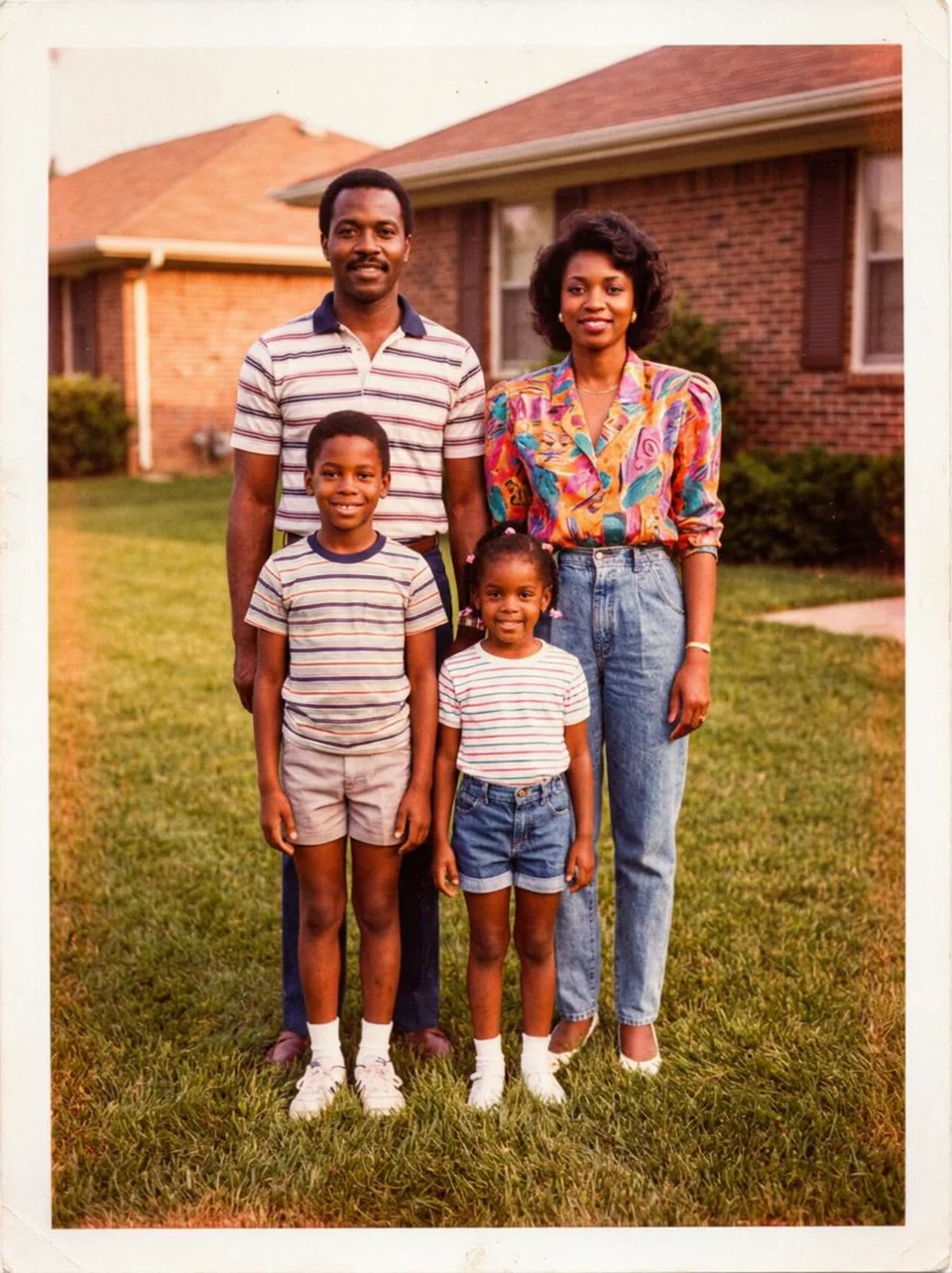
Your photo
2
Say who moves and how
Who moves and how the whole family waves at the camera, keep everything else static
3
Download the MP4
5-second MP4
1980s portrait
cats
wedding
flyers
couple
drawings
grandparents
products
retro photo
Buyer questions
Picto.Video and Canva, side by side
Checked 3 November 2026
QuestionCanvaPicto.Video
How you animate a photo
CanvaOpen the editor and find Image to Video among the design tools.
Picto.VideoUpload a photo, say who moves and how, download the MP4.
Do you need a subscription?
CanvaImage to Video is a Premium AI tool. Free accounts get limited access.
Picto.VideoNo. Buy credits when you need them.
What you pay
CanvaCanva Pro US$144 a year (November 2026)
Picto.VideoNo subscriptions. You pay for the credits you use.
What happens at the end of the month?
CanvaYour AI allowance resets.
Picto.VideoYour credits stay. They never expire.
Facts
What you get on Picto.Video
How long does it take?
A minute or two
That is how long your video takes to make.
What does it cost?
No subscriptions
Buy credits when you need them. Spend them when you make a video.
Who decides the motion?
You do
Say who moves and how. “The whole family waves at the camera.”
What do I get?
5-second MP4
Download it and share it anywhere.
Where do my photos go?
Your private gallery
Delete your uploads anytime.
Questions, answered
portrait
Does Canva do image to video?
Yes. On 3 November 2026 Canva listed Image to Video as a Premium AI tool. Free accounts get limited access to Standard and Premium AI tools, and the AI allowance resets every month. On Picto.Video you upload a photo, say who moves and how, and download the MP4 in a minute or two.
Is Canva photo to video free?
Canva Free has limited access to Standard and Premium AI tools, according to canva.com/pricing on 3 November 2026. Canva Pro costs US$144 a year. Picto.Video has no subscriptions. You buy credits when you need them, and you can earn free credits by posting about Picto.Video.
How much is Canva Pro?
Canva listed Pro at US$144 a year on 3 November 2026. Picto.Video has no subscriptions. You buy credits when you need them and spend them when you make a video.
How do I turn a photo into a video without Canva?
Open Picto.Video in your browser. Upload the photo and say who should move and how, like ‘the whole family waves at the camera’. You get a 5-second MP4 in a minute or two.
 Your photo