
How to Animate a Photo with AI
A step-by-step guide to turning any photo into a short animated video — no editing skills required.
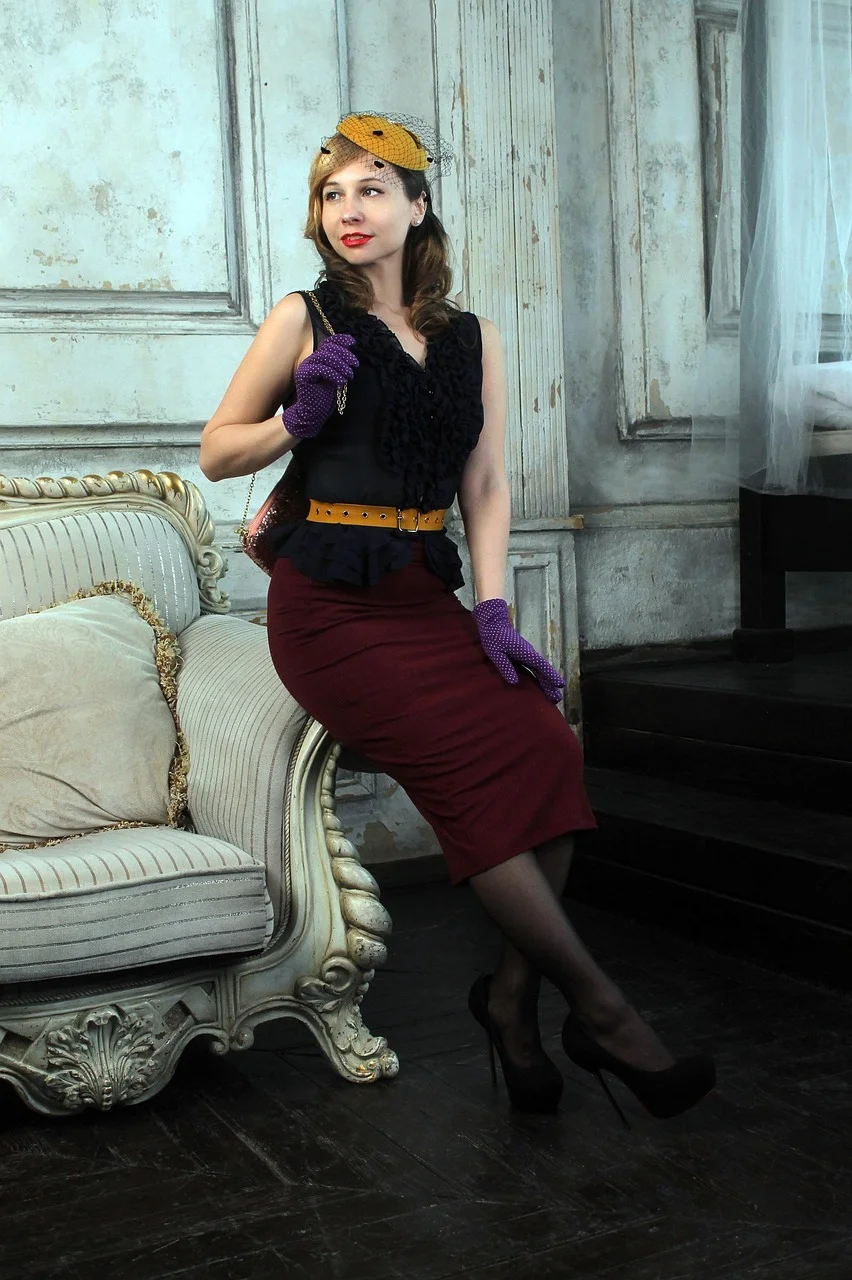
A step-by-step guide to turning any photo into a short animated video — no editing skills required.
All you need is a photo and a browser.
Any photo from your phone or computer works. No apps to install, no editing skills needed.
AI image animation from your photos
"gentle smile"
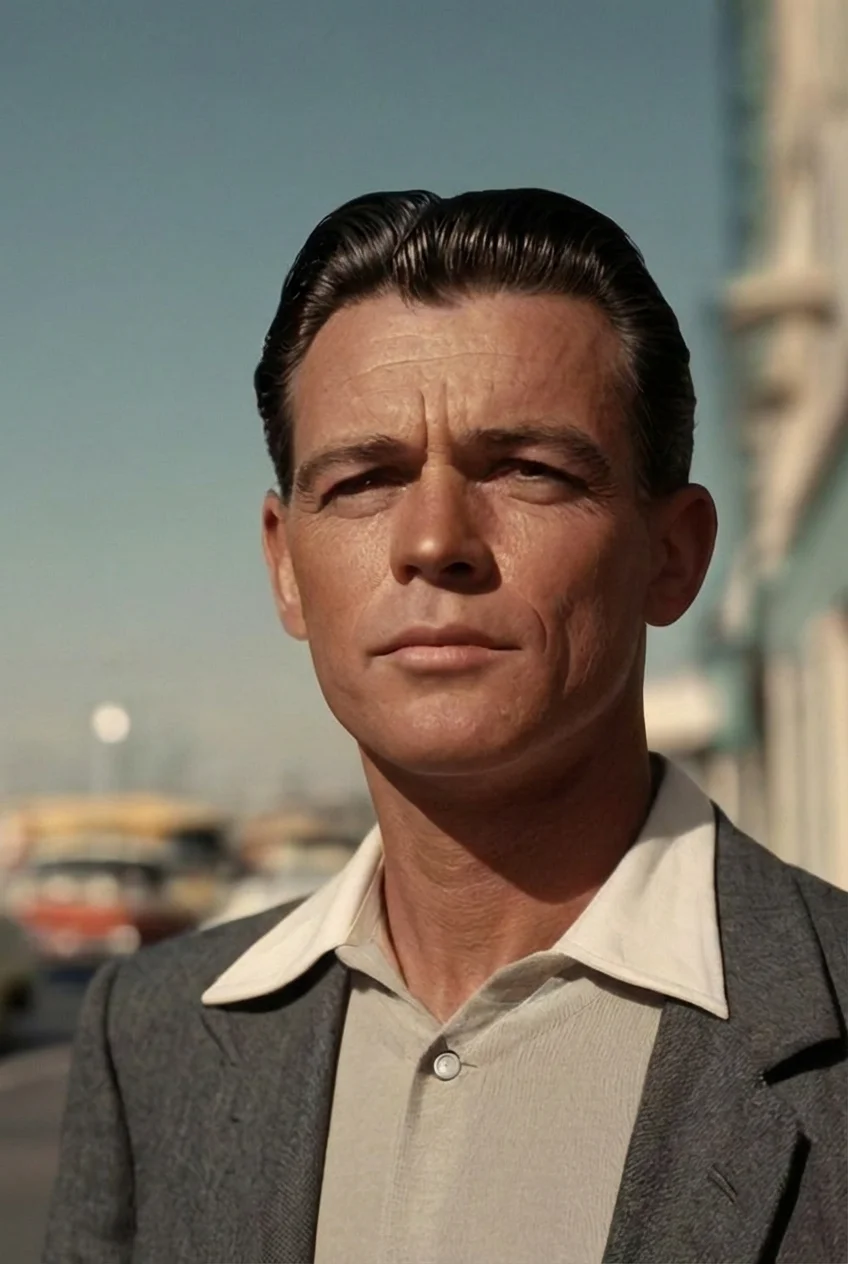
"slight head turn"
Good lighting and a clear face produce the best animations.
It works best when the full face is visible.
Old photos, new photos, scans, prints — all work. Even pet photos.
Natural photos produce more realistic animations than heavily filtered ones.
Old, new, blurry, sharp — it all works. Just make sure you can see the face.
Try different styles: "gentle smile", "slight head turn", "eyes opening". Each gives different results.
Picto.Video has ready-made styles, or you can type your own. Popular styles include:
A gentle, natural smile
A friendly wave gesture
A subtle turn of the head
Describe any motion you want
"So easy! I uploaded a photo and had an animated video in under a minute."
"I animated an old photo of my grandmother. The results were surprisingly natural."
"My kids love making their school photos move. It's become a family activity."
Pay per video, starting at $1. No subscriptions or recurring charges.
Yes — a one-click Google sign-in keeps your credits and videos private. No passwords to remember, no confirmation emails.
Each animation is about 5 seconds long. The video is clear and sharp.
Most photo types work — JPG and PNG. Any phone photo works perfectly.
Yes! Group photos work. Just type what you want to happen, like "everyone smiles and waves" — Picto.Video does the rest.