How to Animate a Photo with AI

Step-by-step guide — no editing skills needed

Try It Now
From $1, no subscription
Step-by-step guide — no editing skills needed
From $1, no subscription
A photo and a browser. That's it.
Any photo from your phone or computer. No apps to install.
1. Go to picto.video and tap "Get Started"
2. Upload your photo — any picture with a face
3. Choose an animation style or type what you want to happen
4. Tap "Generate" and wait a couple of minutes
5. Download or share your animated video
"gentle smile"
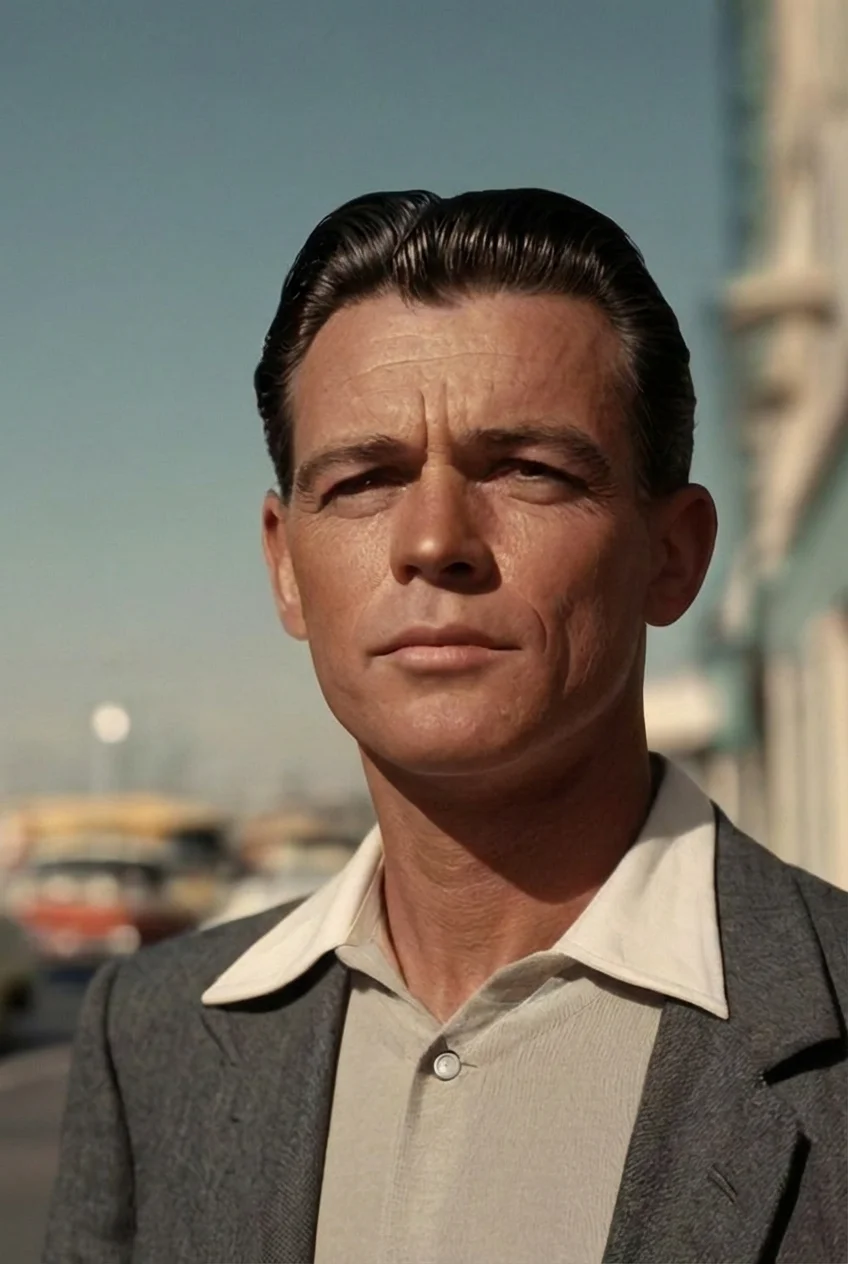
"slight head turn"
Good lighting and a clear face work best.
Works best when the full face is visible.
Old photos, new photos, scans — all work.
Try different styles: smile, head turn, eyes opening.
A gentle, natural smile
A friendly wave gesture
A subtle turn of the head
Describe any motion you want
"So easy! I uploaded a photo and had an animated video in under a minute."
"I animated an old photo of my grandmother. The results were surprisingly natural."
Pay per video, starting at $1. No subscriptions.
Each animation is about 5 seconds long. The video is clear and sharp.
Yes — one-click Google sign-in. No passwords or confirmation emails.
From $1 — no subscription required
Try It Now