AI Memorial Video Maker
Create funeral videos, tribute videos, and memorial videos from photos. Our AI brings loved ones to life with gentle, respectful animation — perfect for funerals, celebrations of life, and remembrance.
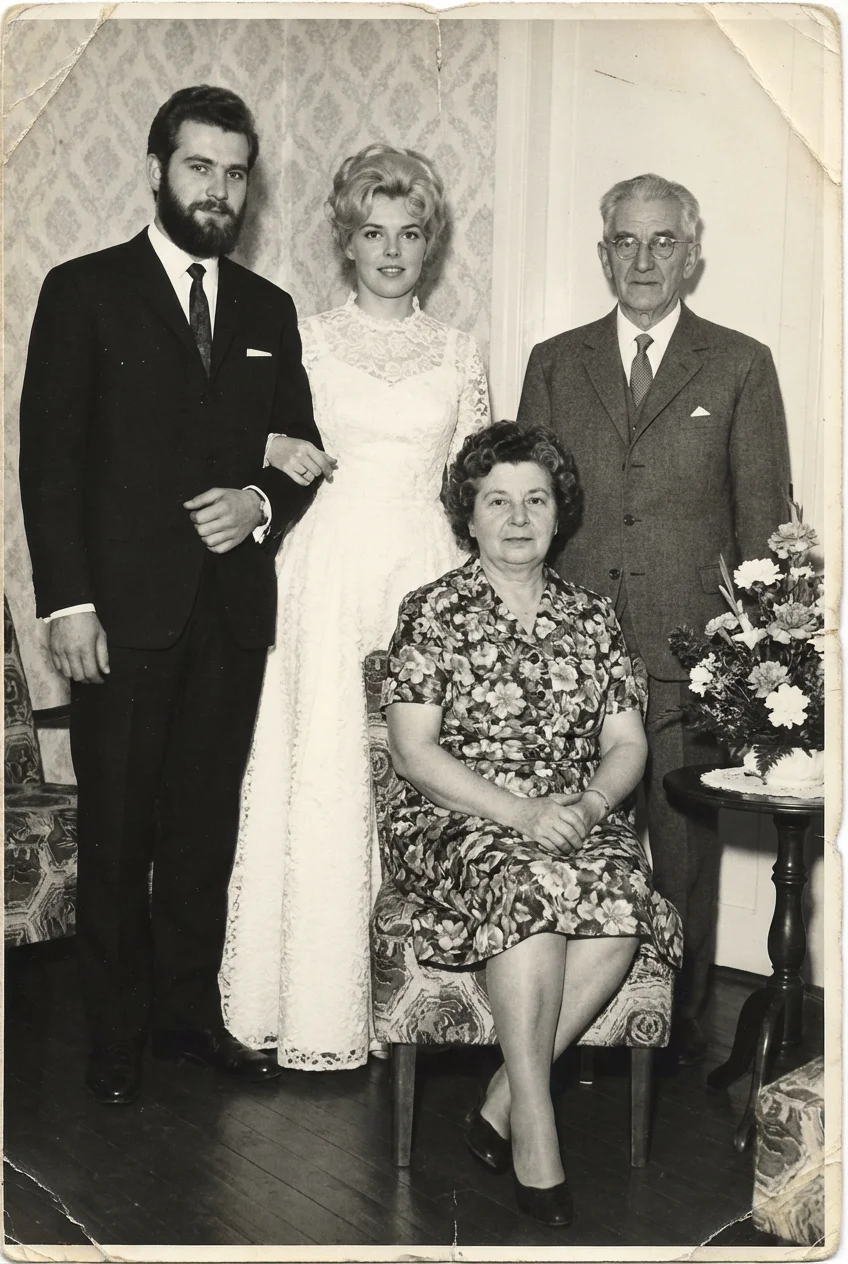
Create funeral videos, tribute videos, and memorial videos from photos. Our AI brings loved ones to life with gentle, respectful animation — perfect for funerals, celebrations of life, and remembrance.
Losing someone is never easy. A memorial video can help celebrate their life and keep their memory alive.
Our AI creates gentle animation — a soft smile, a slight turn of the head — that feels natural and dignified. See your loved one as you remember them.
Subtle, respectful animation that honors your loved ones
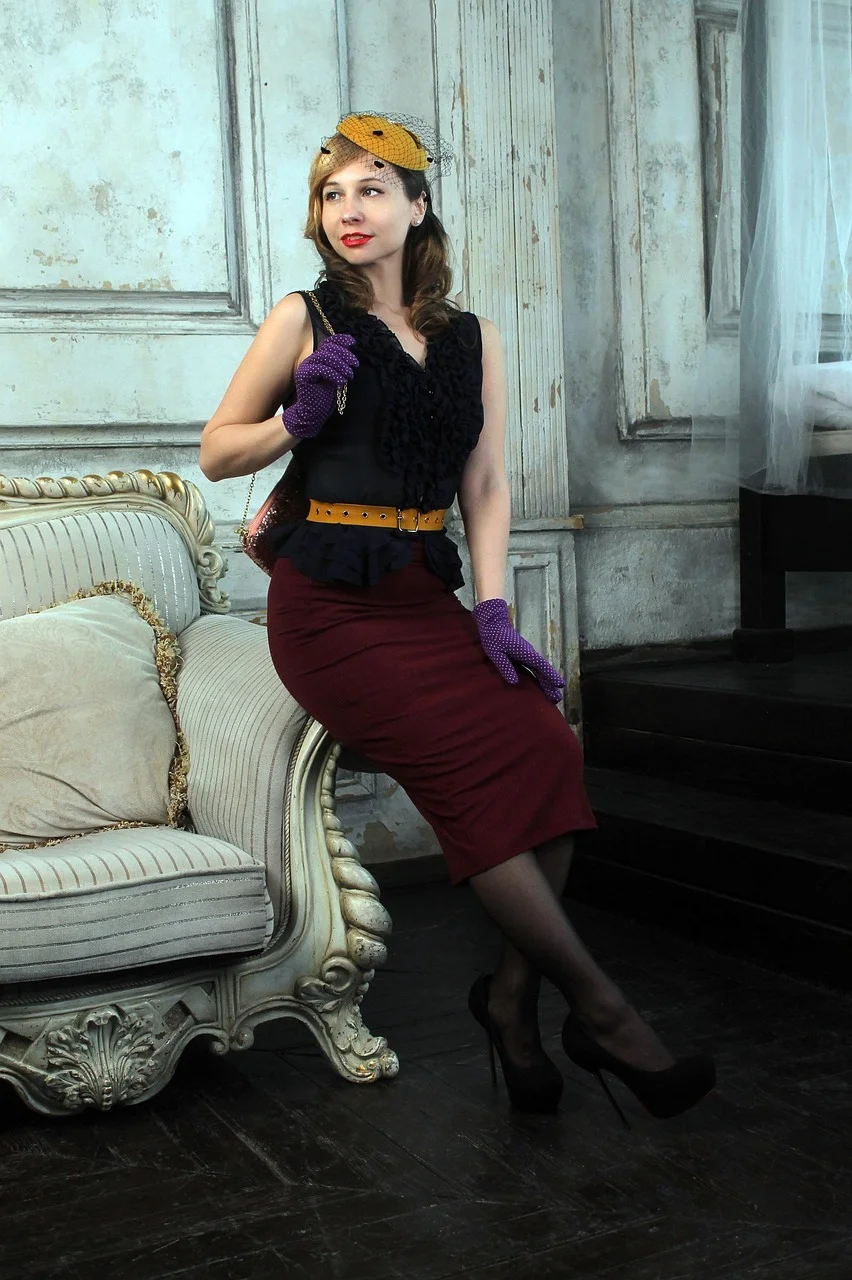
"gentle smile"
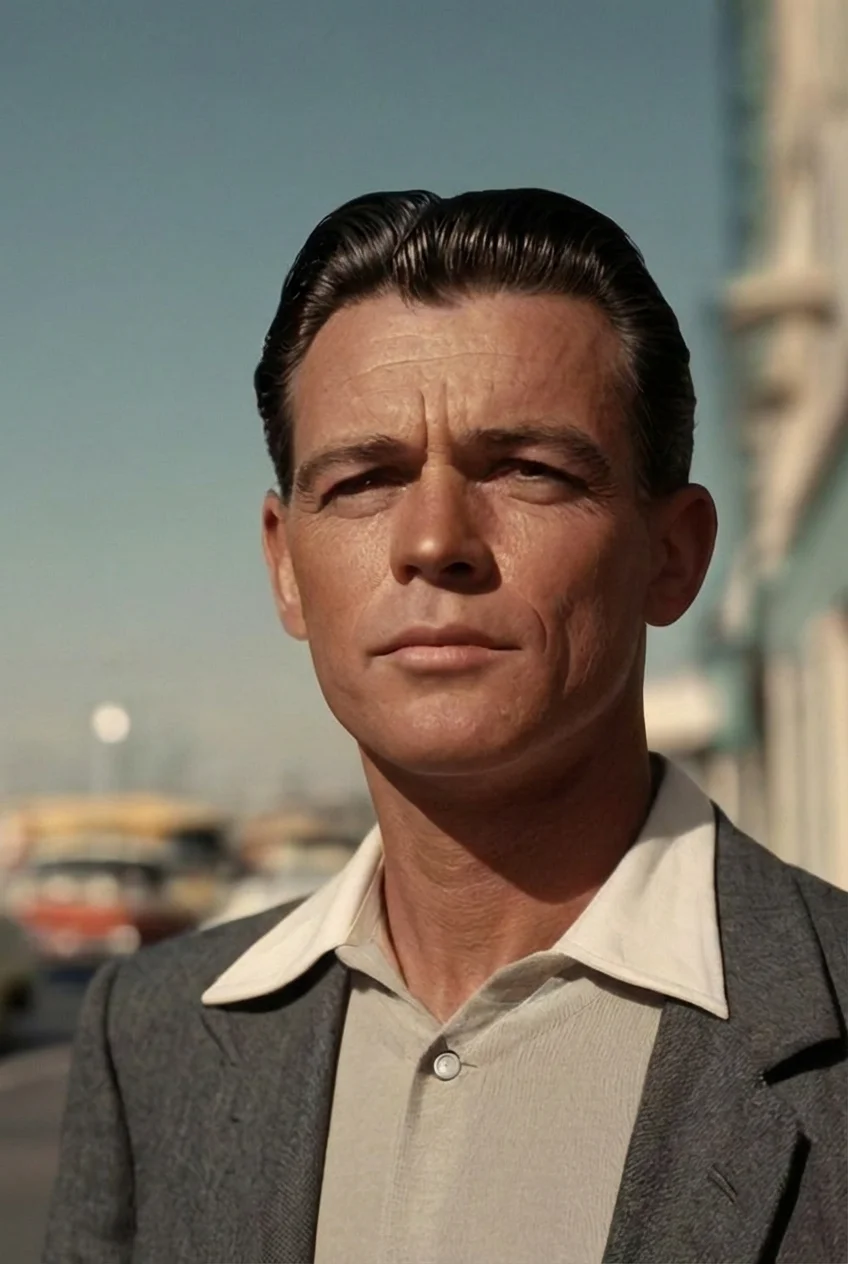
"slight head turn"
"I animated a photo of my dad from 1952. It felt like seeing him again. Our whole family was in tears."
"We played it at my grandmother's celebration of life. Everyone was so moved to see her smile again."
"Simple, fast, and surprisingly moving. It brought comfort during a difficult time."
Our AI creates gentle, dignified motion that honors your loved one. No exaggerated expressions — just subtle, natural movement.
When you need a tribute video quickly, our service delivers. Most videos are ready in just a few minutes.
Scanned photos, printed pictures, and digital images all work. The AI handles various photo qualities gracefully.
Download your video as MP4 and play it on any device — at services, family gatherings, or privately.
Your photos are processed securely. We respect the sensitivity of memorial content.
Pay per video, starting at $1. Create multiple videos for different photos without a subscription.
Display during the service as a moving tribute. Combine multiple videos into a slideshow.
Show the person as you remember them — smiling, full of life, at their best.
Share with relatives who couldn't attend. A meaningful way to remember together.
Mark birthdays, anniversaries, or passing dates with a special video tribute.
Keep a personal video to watch whenever you want to feel close to them again.
Share on memorial websites or social media to honor their memory with a wider circle.
Upload your photo to Picto.Video, choose subtle motion like a gentle smile or soft head turn, and receive your memorial video in minutes. The AI creates natural, respectful animation perfect for tributes.
Clear portrait photos work best. The subject should be visible and in focus. Old photos, scanned images, and digital photos all work well.
Most memorial videos are ready in just a few minutes. You can create multiple videos from different photos to compile a complete tribute.
Yes. The videos are designed for meaningful moments like funeral services, celebrations of life, memorial gatherings, and remembrance events.
Yes. Our AI creates gentle, subtle motion that honors the person. Common prompts include soft smiles, slight head turns, and gentle blinking — movements that feel natural and dignified.
Yes. Many families include AI-animated photos in memorial slideshows played during funeral services. The video downloads as an MP4 file that works on any screen or projector.
Upload the photo to Picto.Video, choose a gentle animation style such as a soft smile or slight head turn, and the AI creates a respectful 5-second video. Works with old photos, scans, and digital images.
Many families find it deeply meaningful. The AI creates gentle, subtle movement — not exaggerated or artificial. It's designed to honor the person and bring comfort.